Frontend development has come a long way since the days of hand-coding simple HTML pages. Today’s websites and apps are packed with responsive designs, rich animations, and interactive features, which means developers juggle ever-longer to-do lists. As that list grows, so does the appeal of tools that can take over the busywork and let creators focus on what really matters. Enter artificial intelligence.
AI is quietly rewriting the rulebook for frontend developers. By speeding up repetitive chores, catching potential bugs before they arrive, and even suggesting polished UI patterns, these smart programs are cutting down development time and boosting overall code quality. Below, we’ll break down exactly what kinds of tasks AI can pick up and shine a light on some of the best tools on the market right now.
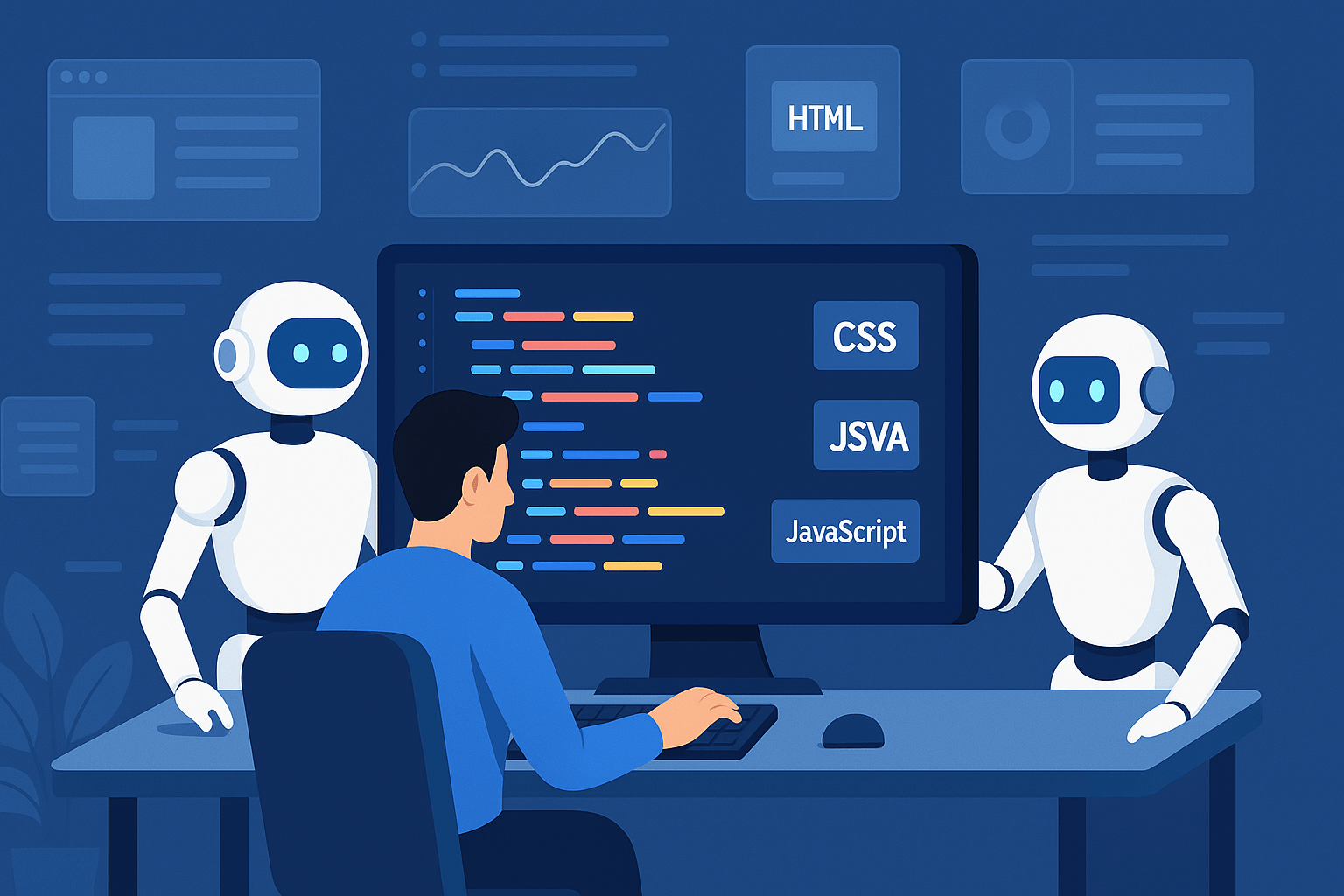
What AI Does for Frontend Development
A typical frontend job touches on UI design, JSX or HTML markup, CSS styling, JavaScript logic, and, of course, debugging and testing everything across multiple browsers. Until recently, most of that work had to be done by hand. Modern AI tools now chip in by auto-generating components from a rough sketch, suggesting fixes for layout glitches, and even tuning performance settings with a couple of clicks. They won’t replace developers, but they certainly lighten the load.
AI has really started to change how we build websites and apps, and we can break those changes down into a few key areas. These include smart code-writing tools, automated design helpers, bug-fixing assistants, performance coaches, and accessibility boosters. Let’s take a closer look at each part and highlight some of the best tools making an impact right now.
Smart Code Writers and Helpers
Probably the biggest game-changer for frontend developers is the rise of AI code generators. By learning from mountains of existing code, these tools figure out what you’re trying to do and spit out HTML, CSS, or JavaScript to get you there faster.
1. GitHub Copilot
Think of GitHub Copilot as your second pair of hands while you code. Built on OpenAI’s Codex model, it lives right in your favorite editor. Start a line, jot down a comment in plain English, and it will suggest anything from a single line of code to a full function and it usually gets pretty close almost every time.
2. Codeium
Codeium plays nicely with editors like Visual Studio Code, JetBrains, and even Jupyter notebooks. Beyond simple autocomplete, it serves up context-aware completions, refactoring tips, and can even whip up complex CSS grids or responsive layouts from just a few keywords. That means less time writing boilerplate and more time polishing your app.
3. Tabnine
If you’ve ever wished your code editor could read your mind, Tabnine comes pretty close. This AI assistant watches how you write, remembers small details about your style, and then suggests the next line of code before you even finish typing. It’s especially handy for frontend devs who live in JavaScript frameworks like React, Vue, and Angular, since it knows the patterns those libraries follow.

Give Your UI Design a Speed Boost
Building top-notch user interfaces can swallow up hours of sketching bugs out of wireframes, fiddling with colors, and moving buttons around. That’s why designers are starting to lean on a new crop of AI tools that can turn simple notes or even scribbled drawings into polished mockups and sometimes into working code.
4. Uizard
Uizard is one of the stars in this lineup. Hand over a quick sketch on paper or type a few sentences into its prompt box, and the tool spits out a clickable prototype you could show a client the same afternoon. It even figures out color themes, spots loose UI elements, and lets you export finished screens right to frontend code.
5. Penpot with AI extras
Penpot is beloved by teams that want a free, open-source playground for design and prototyping. It’s new AI extras take a lot of grunt work off the table: they automatically tidy up layouts, flag accessibility problems, and nudge misaligned elements back in line. That means the handoff between designers and developers stays smooth instead of turning into a back-and-forth email battle.
6. Locofy.ai
Once designs live inside a Figma file, the next step is usually hand-copying everything into the code editor, an easy source of mistakes. Locofy.ai cuts that step out cold. With a couple of clicks, you can pull out clean React, React Native, or HTML code straight from your Figma layout, speeding up builds and keeping your prototype looking exactly like the mock.
Testing and Bug Detection
When we talk about frontend testing, we’re really looking at three big areas: making sure the user interface (UI) looks the same everywhere, that it works well on different browsers, and that it adjusts properly on any screen size. Lately, artificial intelligence has jumped in to lend a hand by spotting bugs, writing test scripts automatically, and running visual regression tests so we don’t have to do it all by hand.
7. Testim
Testim is an automation tool powered by AI that focuses on building dependable UI tests. Its machine-learning engine learns from past runs and picks up on UI tweaks, which cuts down the time developers spend fixing broken tests after the design changes.
8. Applitools
Applitools relies on visual AI to carry out automated visual testing across multiple browsers and devices. Because of this tech, it can catch tiny UI slips that older tools often overlook, making sure every pixel ends up where it should.
9. mabl
Mabl offers end-to-end testing that heals itself on the fly. If a part of the Document Object Model (DOM) changes, the platform rewrites the test script automatically, so the tests keep working even when the UI shifts. On top of that, it tracks performance in real time while the tests are running, giving developers a full picture of both functionality and speed.

Performance Analysis and Optimization
AI also steps in during performance analysis, where it scans frontend code, spots bottlenecks, and suggests quick wins. The goal is to trim load times, cut out unused code, and make the entire app feel snappier.
10. Raygun with AI insights
Raygun is well-known for monitoring performance, keeping an eye on metrics like page load speed and how users interact with different components. Thanks to its AI insights feature, it can link slowdowns directly to user actions and rank fixes by how much they’ll improve the experience for real people.
11. SpeedCurve and AI Forecasts
SpeedCurve measures how fast your website loads for real users and adds a touch of AI magic to predict how any performance dip might affect visitors and your bottom line. With those insights, developers can choose the right tweaks to keep speed steady and people happy.
Making the Web More Accessible
Keeping the web open for everyone is a must, yet many teams forget about accessibility until the end. Today’s AI tools shine a light on hidden problems and, in some cases, offer ready-made fixes.
12. axe DevTools
axe DevTools is a handy browser extension for Chrome and Firefox that runs quick accessibility scans. It spots violations, then hands you step-by-step fixes straight from the WCAG playbook.
13. Evinced
Evinced takes accessibility testing a step further by borrowing ideas from user testing. The platform mimics how real people click, swipe, and scroll, uncovering issues that code-only scanners typically miss.
Why Frontend Developers Love AI
Plugging AI into routine frontend work brings clear, practical wins:
Speed and Efficiency
By automating tasks like component setup, layout styling, or even unit-test writing, AI chops precious minutes off the dev clock.
Better Code Quality
With on-the-spot best-practice tips, early bug alerts, and tidy structure suggestions, AI helps teams keep their code clean and consistent from start to finish.
Better Teamwork
Tools such as Locofy and Uizard bridge the gap between designers and developers. By offering shared environments and instant feedback, they speed up product updates and keep everyone on the same page.
Smoother User Experience
AI-backed testing and performance checks make sure a finished app looks and behaves well, regardless of the device or browser. That means users see a polished experience instead of having to cope with glitches.
More Room for Creativity
When artificial intelligence grades code quality, runs tests, or builds repetitive components, it frees up developers to tackle big ideas and tricky problems. Less time on copying and pasting lets teams build features that users really want.
Limits to Keep in Mind
Even the smartest AI is not perfect. Its code snippets can miss the mark, and leaning on them too heavily might keep a junior from picking up new skills. Generated code also needs a human touch to meet project guidelines for security and architecture. Plus, snapping AI tools into an existing workflow can take a bit of configuration up front.

In Brief
AI is quickly reshaping frontend development, taking hours’ worth of chores and compressing them into minutes. From spinning up layouts to double-checking accessibility, these tools are changing the daily playbook for frontend pros.
If you’re using the newest tools these days, you probably notice projects moving faster, the code looking nicer, and the end-users smiling a little more. Still, none of that happens unless the developer keeps polishing the basics, reads up on what the pros recommend, and keeps AI on a tight leash.
Where does front-end coding go from here? Right at the spot where human imagination shakes hands with smart algorithms. The programmers who figure out how to let AI take care of the boring stuff while they focus on craft will turn out the fresh, people-first apps that folks will expect in our ever-speeding online world.